TL;DR: The person searching "hospice care in [city]" is almost never the patient. It's a family member — often in crisis, often at 2 AM, often from a hospital parking lot. They search differently than someone choosing a restaurant or a plumber: they're emotional, time-pressured, and making a decision they've never made before. Understanding how these searches actually happen — what they type, what they click, what convinces them to call — lets you build a digital presence that meets families exactly where they are. This article maps the family search journey from first query to phone call, backed by search behavior data and published research.
Table of Contents
- The Person Behind the Search
- What Families Actually Type Into Google
- The Three Search Stages: Panic, Research, Decision
- What Families See When They Search (and Why It Matters)
- What Makes Families Click — and What Makes Them Scroll Past
- The Mobile Reality: Most Searches Happen on Phones
- How This Changes Your Content Strategy
- City-Specific Page Template for Post-Acute Providers
- Frequently Asked Questions
The Person Behind the Search {#the-person}
Before we talk about keywords and rankings, we need to talk about the human being typing the query.
Research published in BMC Palliative Care analyzing factors related to hospice and palliative care decision-making found that most patients and families who are referred for a hospice information visit know little about hospice and have substantial information needs. A University of Michigan study on healthy aging found that approximately one-third of adults age 50 and older said they know "very little" or "not much at all" about hospice care.
This is who is searching. Not an informed consumer comparison-shopping. A scared family member who just heard the word "hospice" for the first time in a clinical context, or a caregiver who's been managing their loved one's care for months and just realized they need more help.
Published research on hospice decision-making in families found that family caregivers frequently reported a lack of knowledge or misunderstanding about hospice services, and that optimal transitions to hospice are facilitated when caregivers are informed and have a clear understanding of both the patient's medical status and what hospice actually provides.
Understanding this context is critical because it shapes everything: what families search for, which results they trust, and what information they need to see on your website or listing before they're willing to pick up the phone.
What Families Actually Type Into Google {#what-they-type}
Family searches for hospice and home health fall into predictable patterns. According to hospice SEO keyword research and analysis of "People Also Ask" data, the most common search patterns are:
Location-Based Searches
These are the highest-intent, highest-value searches:
| Search Pattern | Example | Intent | |---|---|---| | "[service] near me" | "hospice care near me" | Immediate need, location-driven | | "[service] in [city]" | "hospice in Phoenix" | Specific location, active search | | "[service] [city] [state]" | "home health care Dallas TX" | Specific location, careful search | | "best [service] in [city]" | "best hospice in Atlanta" | Comparison-shopping, quality-focused | | "[city] [service] for [condition]" | "San Diego hospice for cancer patients" | Condition-specific need |
Information-Gathering Searches
These come earlier in the journey, before the family is ready to choose a provider:
| Search Pattern | Example | Intent | |---|---|---| | "what is [service]" | "what is hospice care" | Educational, early stage | | "when to call [service]" | "when to call hospice" | Tipping point — close to decision | | "[service] vs [service]" | "hospice vs palliative care" | Clarifying options | | "does [insurance] cover [service]" | "does Medicare cover hospice" | Financial concern | | "signs it's time for [service]" | "signs it's time for hospice" | Emotional tipping point |
Question-Based Searches
These align with Google's "People Also Ask" boxes and are increasingly how families refine their search:
- "How much does hospice cost?"
- "Does hospice mean you're dying?"
- "Can hospice care be provided at home?"
- "How do I get hospice care for my parent?"
- "What does a hospice nurse do?"
- "How long can someone be on hospice?"
The Key Insight
The hospice industry operates in a search landscape defined by low absolute volume but exceptionally high conversion value. The family member who searches "hospice care in [your city]" is not casually browsing — they are making one of the most important healthcare decisions of their life, often within hours or days. Every search represents a family that needs care now.
The Three Search Stages: Panic, Research, Decision {#three-stages}
Families don't go from zero to "call this hospice" in one search. They move through stages, and understanding these stages helps you create content that meets them at each one.
Stage 1: Panic (Emotional, Urgent)
Trigger: A doctor says "there's nothing more we can do." A hospital discharge planner mentions hospice. A parent falls, and the family realizes they need help.
Searches: "what is hospice care," "does hospice mean giving up," "how to get hospice care quickly," "hospice near me"
What they need: Reassurance. Clear, simple information. A phone number they can call right now. According to research on hospice decision-making, patients and families at this stage place the greatest importance on understanding what hospice practically provides — visit frequency, what's covered, what kind of help they'll actually get.
Implication for your website: Your homepage and main service pages need to answer the top 5 questions a panicked family member asks. If the first thing they see is corporate language about your "mission and vision," they'll leave.
Stage 2: Research (Rational, Comparative)
Trigger: The initial shock has passed. The family has decided hospice is the right path, and now they're choosing a provider.
Searches: "best hospice in [city]," "hospice care reviews [city]," "[Agency Name] reviews," "compare hospice providers," "hospice quality ratings"
What they need: Trust signals. Reviews from other families. Quality ratings. Response time. What to expect on the first visit.
Implication for your website: This is where your Google reviews, your NDPAP listing, your Care Compare quality scores, and your service area pages do their work. The family is comparing you to 2–3 other options. Make it easy for them to choose you.
Stage 3: Decision (Action-Oriented)
Trigger: They've narrowed to 1–2 providers and are ready to make contact.
Searches: "[Agency Name] phone number," "[Agency Name] hours," "how to request hospice assessment"
What they need: A working phone number. Immediate responsiveness. Clarity on what happens next.
Implication for your website: Your phone number should be clickable, visible on every page, and answered by a human. Your GBP should have current hours. According to hospice intake benchmarks, the average time from referral to admission for high-performing agencies is approximately 3.5 hours. If your phone goes to voicemail, you've lost the referral.
What Families See When They Search (and Why It Matters) {#what-they-see}
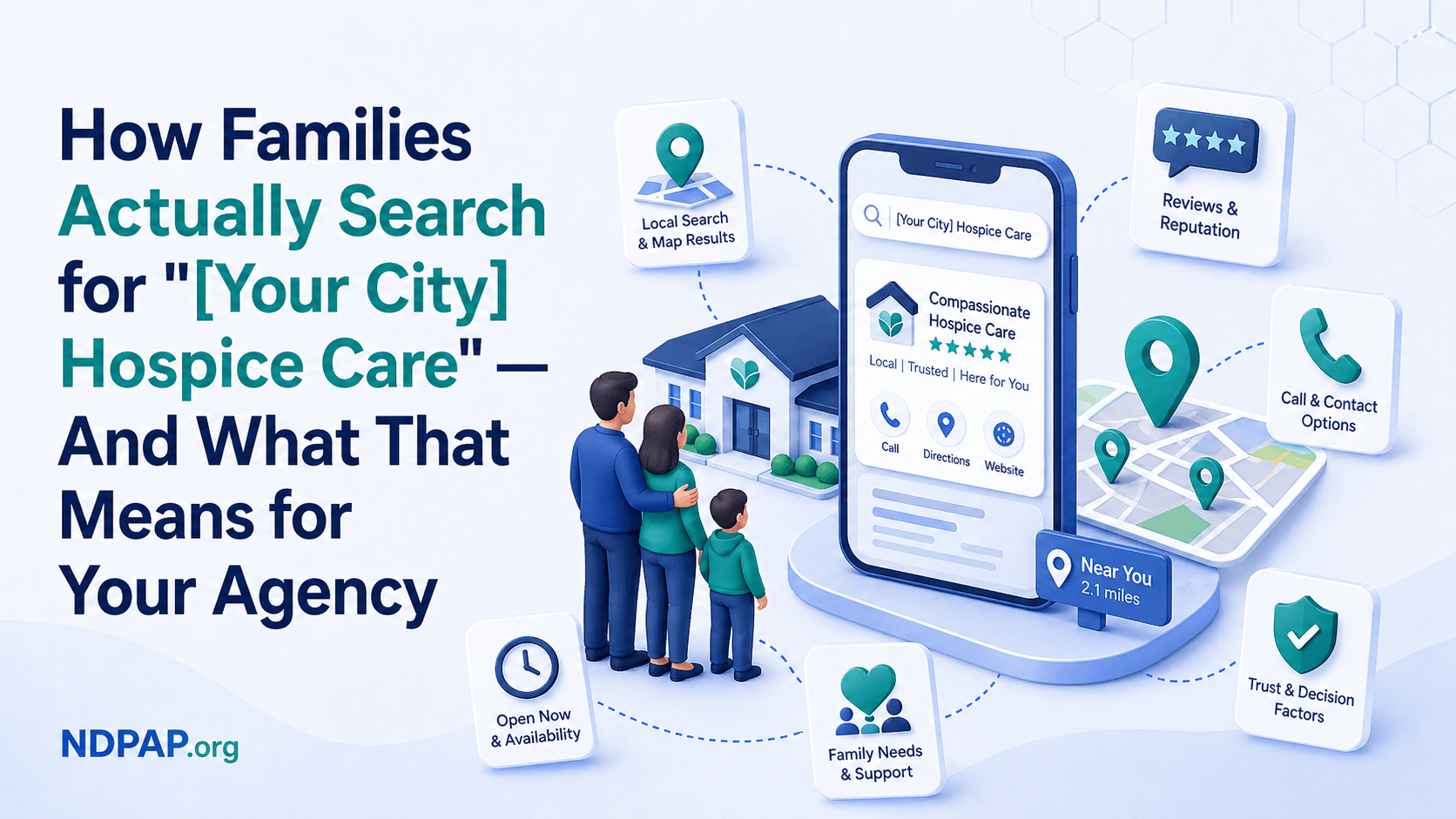
When a family searches "[city] hospice care," Google displays results in a specific order that determines who gets seen and who doesn't.
The Search Results Page Anatomy
Position 1 — Paid ads (if any). Some large hospice operators and marketing agencies run Google Ads on hospice keywords. These appear at the very top with a small "Sponsored" label.
Position 2 — The local pack (map results). Three Google Business Profiles appear with a map. This is where 44% of clicks go for local searches. If your agency is here, you're getting seen. If you're not, the majority of searchers will never scroll far enough to find you.
Position 3 — Organic results. Traditional website listings appear below the local pack. These are driven by your website's SEO.
Position 4 — "People Also Ask." Google shows expandable questions related to the search. Families frequently click these to learn more before choosing a provider.
The Critical Takeaway
Families in crisis don't scroll. They don't go to page two. They look at the local pack, glance at the top 2–3 organic results, and either click something or refine their search. According to local search CTR data, the top three local pack results capture approximately 48% of all clicks. Position one gets 17.8%, position two gets 15.4%, and position three gets 15.1%.
If you're in the local pack, you're in the consideration set. If you're not, you need to earn your way in — and the previous articles in this series (GBP optimization, local SEO strategy) show you exactly how.
What Makes Families Click — and What Makes Them Scroll Past {#click-or-scroll}
Once your listing appears in front of a family, certain elements determine whether they click or keep scrolling.
What drives clicks:
Star rating above 4.5. According to BrightLocal's 2026 survey, 31% of consumers will only use a business with 4.5 or more stars — nearly double the 17% who said the same in 2025. For healthcare, the threshold is even higher because families are making high-stakes, emotional decisions.
Review count and recency. An agency with 45 reviews (most recent last week) looks more trustworthy than one with 3 reviews from two years ago. Families notice recency — it tells them the agency is active and current.
A complete Google Business Profile. Photos, business description, service list, hours, and response time information all signal a legitimate, active business. According to GBP research, fully completed profiles generate 2.2x more engagement.
A clear description of services. Families want to know immediately: Do you provide hospice? Do you serve their area? Do you accept Medicare?
What drives scrolling past:
No reviews or a low star rating. Below 4 stars, you're filtered out by the majority of searchers.
Incomplete profile. No photos, no description, no hours signals "this business doesn't care about its online presence" — which families interpret as "this business might not care about me."
Generic or confusing name. If your business name doesn't clearly indicate what you do (e.g., "ABC Healthcare Solutions" vs. "ABC Hospice Care"), families may not realize you provide the service they need.
No website link. Families want to learn more before calling. If your GBP doesn't link to a website, many families will skip to a competitor that has one.
The Mobile Reality: Most Searches Happen on Phones {#mobile-reality}
Over 60% of healthcare searches happen on mobile devices, according to healthcare search data. For hospice searches specifically, the mobile share is likely higher, because many of these searches happen in moments of crisis — at the hospital, in the car, late at night.
This has practical implications for your digital presence:
Your phone number must be tap-to-call. On mobile, the most common action after finding a business is calling it. If your website shows a phone number as an image (not a clickable link), you're adding friction to the most important action a family can take.
Your website must load fast on mobile networks. Google's mobile-first indexing means the mobile version of your site is what Google evaluates for rankings. Run your site through Google PageSpeed Insights — if your mobile score is below 50, you're losing both rankings and families.
Your GBP must be complete. On mobile, many families make decisions entirely from your Google Business Profile without ever visiting your website. They see your name, reviews, phone number, and description — and either call or move on. Make sure your GBP tells them everything they need.
How This Changes Your Content Strategy {#content-strategy}
Understanding family search behavior should fundamentally change how you think about your website content.
Stop Writing for Providers. Start Writing for Families.
Most agency websites are written in clinical or corporate language: "Our interdisciplinary team provides comprehensive end-of-life care utilizing evidence-based protocols." That sentence means nothing to a daughter searching "hospice for mom in Phoenix" at midnight.
Write in the language families use. Answer the questions they're actually asking. Address the fears they're actually feeling.
Build Pages for Every Stage of the Search Journey
For Stage 1 (Panic): Create a clear, empathetic "What is Hospice Care" page and a "How to Get Started" page that both rank for informational queries and guide families toward contacting you.
For Stage 2 (Research): Build city-specific service pages that rank for "[city] hospice care" and include reviews, quality data, and detailed service descriptions. Include a comparison of what makes your agency different.
For Stage 3 (Decision): Make your phone number visible on every page. Add a "Request a Consultation" form. Include an FAQ that addresses last-minute hesitations: "What happens on the first visit?" "How quickly can you start services?" "What if we change our mind?"
Answer the "People Also Ask" Questions on Your Site
Google's "People Also Ask" boxes are a direct window into what families want to know. Create content that answers these questions clearly:
- What does hospice care include?
- Is hospice only for cancer patients?
- Does Medicare pay for hospice?
- Can you still see your doctor while on hospice?
- How long does it take to start hospice services?
- What's the difference between hospice and palliative care?
Each answer should live on a relevant page of your website, not hidden in a buried blog post. When Google sees that your site clearly answers the exact questions families are asking, it rewards you with visibility.
City-Specific Page Template for Post-Acute Providers {#city-page-template}
Here's a template structure for building service area pages that match the way families search for "[city] hospice care":
Page Title and URL
- Title: "Hospice Care in [City], [State] — [Agency Name]"
- URL:
/hospice-care-[city]-[state](e.g.,/hospice-care-phoenix-az)
Page Structure
-
Opening paragraph: Directly address the family's situation. "If your family is exploring hospice care options in [City], here's what you need to know about the services available in your area." Include your agency name, the city, and the primary service naturally.
-
Services you provide in this area: List specific services available. Don't copy-paste from your main services page — tailor it. Mention specific neighborhoods, hospitals, care facilities, or communities you serve in this city.
-
Why families in [City] choose [Agency Name]: Your differentiation points — response time, quality scores, specialties, years serving the area, community involvement.
-
Quality data and ratings: Link to your Care Compare profile, mention your CAHPS scores if strong, reference your Google review rating.
-
How to get started: Clear steps a family should take. Phone number (clickable). Form link. What to expect on the first call.
-
FAQ specific to this area: "Does [Agency Name] provide hospice care in [Neighborhood/Suburb]?" "Which hospitals in [City] refer to [Agency Name]?" "How quickly can you start services in [City]?"
-
Schema markup: LocalBusiness + Service + FAQPage structured data.
This page should be 800–1,200 words of unique content. Not keyword-stuffed, not duplicated from other city pages. Written for the family member who just typed "[city] hospice care" into their phone at 2 AM.
Frequently Asked Questions {#faq}
What search terms should I focus on for my city?
Start with "[your city] hospice care" and "hospice near [your city]" — these are the highest-intent local searches. Then add variations: "best hospice in [city]," "Medicare hospice [city]," and "home health [city]." Use Google's autocomplete (start typing and see what Google suggests) to discover additional variations that families in your area are using.
How do I know if families in my area are searching online?
They are. 77% of patients begin their healthcare journey on a search engine. Even in smaller markets, "hospice near me" and "hospice in [city]" generate searches every month. The volume may be smaller than in major metros, but remember: every search represents a family that needs care. One new admission from an online search can justify months of local SEO investment.
My agency serves a rural area. Does local SEO still work?
Yes — and in some ways, it works better. In rural markets, there's typically less online competition. A complete Google Business Profile with a few reviews may be all it takes to dominate local search in your area, because your competitors likely haven't done even that much.
Should I use Google Ads in addition to local SEO?
That's a strategic decision that depends on your budget and competitive landscape. Google Ads can generate immediate visibility for high-intent keywords, but it costs money per click and stops working the moment you stop paying. Local SEO is slower to build but generates compounding, free visibility. Most agencies should prioritize local SEO first and consider ads as a supplement once the foundation is in place.
How do I track whether families are finding us through online search?
Ask every family who contacts you how they found you — add a "How did you hear about us?" question to your intake process. Check your Google Business Profile Insights for call counts, direction requests, and search queries. Install Google Analytics on your website to track traffic to your city-specific pages. The combination of intake attribution and digital analytics gives you a clear picture.
Sources
- BMC Palliative Care — Decision-Making Factors for Hospice Use — BMC Palliative Care
- Challenges and Facilitators of Hospice Decision-Making — PMC / Journal of Patient Experience
- Making Difficult Decisions About Hospice Enrollment — PubMed
- Understanding Hospice Care: What Patients and Families Need to Know — InvestigateTV
- Local Consumer Review Survey 2026 — BrightLocal
- Google Local Pack Statistics — Red Local Agency
- Google Business Profile Statistics 2026 — NewMedia
- Healthcare SEO Trends 2025–2026 — Direction.com
- Healthcare and AI Overviews in Google — BrightEdge
- Hospice SEO: Building Authority — Authority Specialist
- Hospice Advisors Intake Benchmarks — Hospice Advisors
- Hospice Foundation of America — Common Questions — HFA
*Every search for "hospice in [your city]" represents a family that needs care. If they can't find you, they'll choose whoever they can find — and t
hat provider may not offer the quality of care your agency does. Make sure your digital presence meets families where they are. Start by claiming your NDPAP provider profile — another way families in your area can find and compare post-acute care options.*